
Notice to Students: Commencement of Blackboard LMS Onboarding
The Federal University of Health Sciences, Ila Orangun (FUHSI) hereby informs all students that the University has commenced the onboarding and activation of student accounts


The Federal University of Health Sciences, Ila Orangun (FUHSI) hereby informs all students that the University has commenced the onboarding and activation of student accounts

The Federal University of Health Sciences, Ila-Orangun (FUHSI), on Friday recorded a major milestone with the commissioning of several TETFund and Federal Appropriation–funded projects, reinforcing

Whenever you are looking for the best, the FUHSI community remains a true hotspot not only in the calibre of its academics but also in
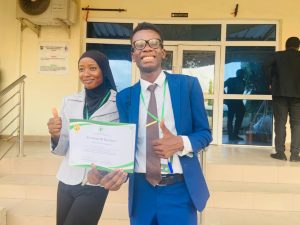
The Federal University of Health Sciences, Ila-Orangun Medical Students’ Association (FUHSIMSA) has once again demonstrated its growing reputation for academic excellence and eloquence. The association’s

The Vice-Chancellor of the Federal University of Health Sciences, Ila-Orangun (FUHSI), Professor Akeem Olawale Lasisi, has brought another moment of pride to the University after
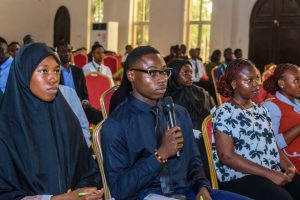
In a testament to the unwavering commitment to academic excellence that defines the Federal University of Health Sciences, Ila-orangun (FUHSI) , our very own Akinduro